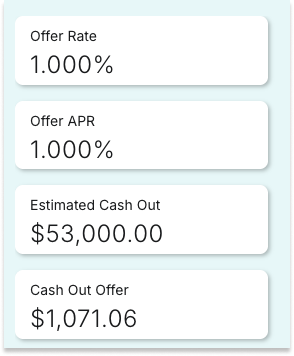
The features noted below are especially valuable:
Lead ID
Confirm the Lead ID that prompted the homeowner call so you can be sure you're both operating from the same information.

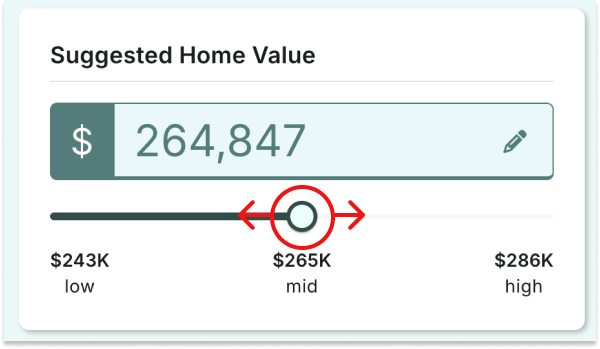
Suggested Home Value
An editable estimate of current value based on current market analysis. Editing this value updates Tappable Equity and Return on Investment values below.
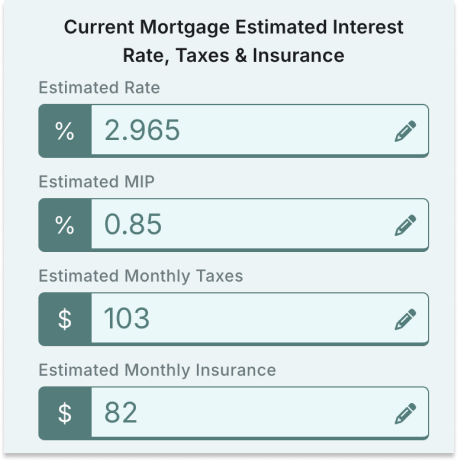
Current Rate, Taxes, Balance and Payment
Editable values that quickly show critical current mortgage details, allowing you to quickly determine the homeowner's current mortgage balance and payment.
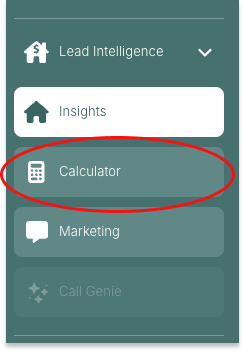
Calculators
Select Calculators in the left navigation to access powerful tools for modeling refinance scenarios.
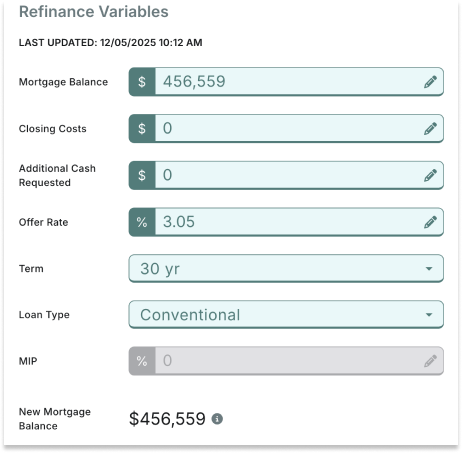
Calculator Refinance Variables
Review and edit, if necessary, the values that comprise the new mortgage.
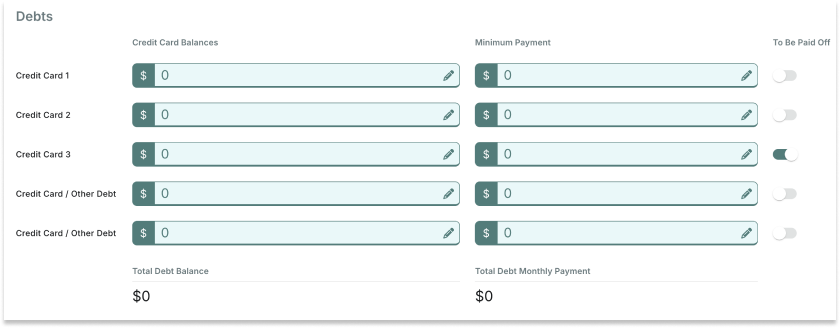
Debts
Review and adjust the homeowner's debts and select whether the new mortgage will pay off each of them.
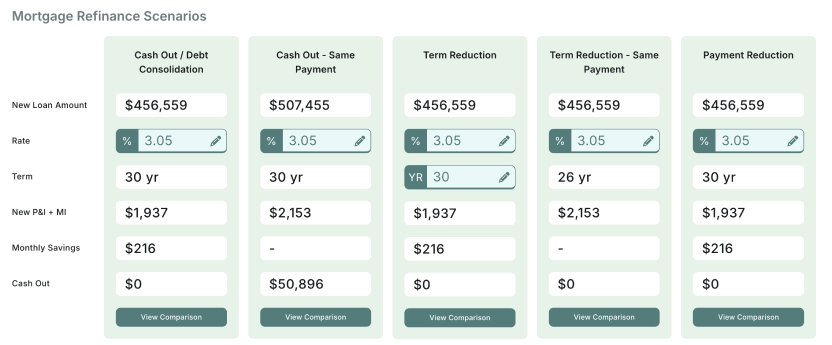
Mortgage Refinance Scenarios
This section allows you to compare five refinance scenarios and edit critical refinance scenarios. Next, select the "View Comparison" button to see key details about mortgage options customized to the current homeowner.
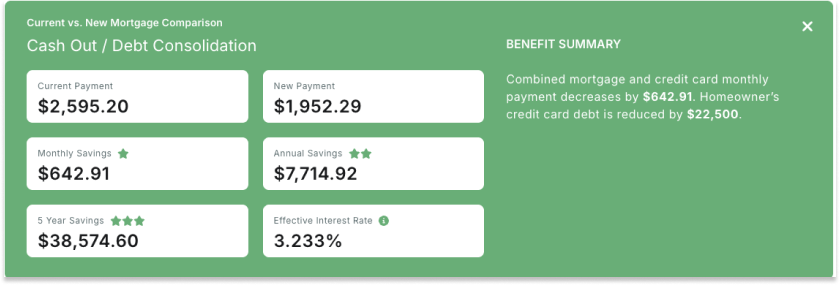
Current vs. New Mortgage Comparison
Compare mortgage outcomes, including savings, rate and payment. You can also share this information with the homeowner.
Marketing
View the letter sent to the homeowner and see the campaign and offer APR details.

Date & Campaign
When the marketing letter was mailed to the homeowner and the campaign type.

Offer Details
These are the program details included in the letter to the homeowner.